
AI Chatbots for Business: How to Automate 60% of Customer Inquiries
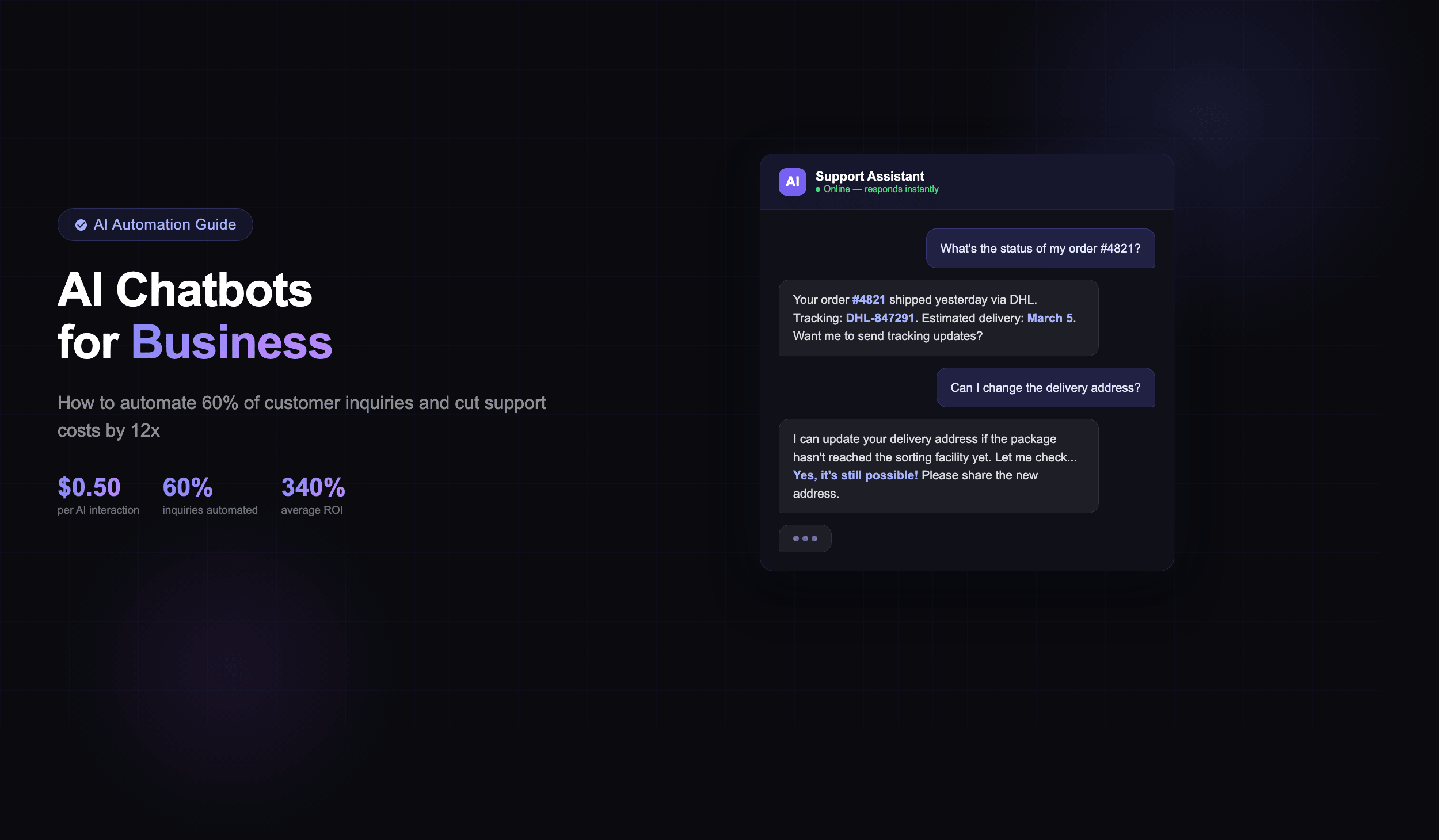
Every time a customer sends a message and waits 4+ hours for a reply, your business pays twice — once in lost revenue, once in damaged trust. The numbers make the case clearly: a human agent costs roughly $6 per interaction, while an AI chatbot handles the same inquiry for about $0.50. That’s a 12x cost difference. And with 92% of customers reporting satisfaction with chatbot interactions in 2025 surveys, this isn’t about replacing quality with automation — it’s about scaling quality affordably.
This guide breaks down exactly how to implement chatbots that handle 60% or more of your customer inquiries. No vague promises — specific platforms, real costs, actual ROI timelines, and the five mistakes that kill most chatbot projects before they deliver results.
Why Chatbots Are No Longer Optional in 2026
The global chatbot market reached $11.8 billion in 2025 and is on track to exceed $15 billion by the end of 2026. These aren’t vanity numbers — they reflect a fundamental shift in how businesses handle customer communication. 34% of SMBs have already deployed some form of chatbot, and 60% of B2B companies now use conversational AI in their sales or support processes.
The driver behind this adoption isn’t hype — it’s economics. Early adopters report an average ROI of 340% in the first year. Customer expectations have shifted permanently: 73% of buyers now expect instant responses, and 64% prefer messaging over calling. If your competitors respond in seconds while you respond in hours, the math works against you regardless of product quality.
The technology has evolved dramatically too. Two years ago, most chatbots were rule-based flowcharts — rigid decision trees that frustrated users the moment they asked anything unexpected. Today’s GPT-powered chatbots understand context, handle nuance, and can resolve complex multi-step inquiries without human intervention. The gap between “chatbot” and “competent support agent” is narrowing rapidly.
How Much Work Can Chatbots Actually Handle?
The 60% figure in this article’s title is conservative. Across industries, AI chatbots consistently handle 60-80% of routine customer inquiries. In specialized sectors like banking, telecom, and e-commerce, that number can reach 90% when the bot is properly trained on domain-specific data.
Here’s what that breakdown looks like by inquiry type:
- FAQ and product information — 85-95% automation rate. Your top 20 questions likely represent 60% of all inquiries. Automating just these delivers immediate ROI.
- Order status and tracking — 90%+ automation rate. Direct API integration pulls real-time data and delivers it conversationally.
- Appointment booking and scheduling — 80-90% automation rate. Calendar integration handles availability checks and confirmations without human involvement.
- Lead qualification — 70-80% automation rate. The bot asks qualifying questions, scores prospects, and routes only high-intent leads to your sales team. This is especially valuable when you’re running paid campaigns and need to filter incoming traffic efficiently.
- Technical troubleshooting — 50-70% automation rate. Step-by-step diagnostics resolve common issues; complex cases escalate to human agents with full context.
- Returns and refunds — 60-75% automation rate. Policy-based decisions are perfect for automation, with edge cases escalated.
The key insight: you don’t need to automate everything. Start with the top 20 questions your team answers repeatedly. This alone typically covers 50-60% of inquiry volume and frees your human agents for the complex, high-value conversations where they actually make a difference.
Platform Comparison: Which Chatbot Fits Your Business
Choosing the right platform is the decision that shapes everything downstream — your setup time, monthly costs, scalability, and ultimately how much of that 60% automation rate you actually achieve. Here’s an honest comparison of the leading options in 2026:
Tidio — best for small to mid-sized businesses. Starting at $59/month for the Lyro AI tier, it combines live chat with an AI chatbot that learns from your content. Strengths: fast setup (under 2 hours), solid Shopify/WordPress integrations, visual flow builder. Limitations: AI customization options are more limited compared to enterprise tools.
Intercom — best for SaaS and growing teams. Pricing starts at $39/seat plus $0.99 per AI resolution (Fin AI). Strengths: outstanding product tour integration, powerful segmentation, excellent knowledge base connection. Limitations: costs scale quickly with volume — at 5,000 AI resolutions per month, you’re looking at $5,000+ just for the AI component.
Drift (now Salesloft) — best for B2B enterprise with complex sales cycles. Pricing starts around $2,500/month. Strengths: deep CRM integration (Salesforce, HubSpot), revenue attribution, ABM targeting. Limitations: expensive, long implementation timeline (4-8 weeks), overkill for smaller operations.
Custom GPT solution — best for businesses with unique requirements. Variable pricing: $500-5,000/month for API costs depending on volume, plus development investment. Strengths: unlimited customization, full brand control, proprietary data training, unique competitive advantage. Limitations: requires development expertise and ongoing maintenance.
For most businesses just starting out, Tidio or Intercom provides the fastest path to that first 60% automation milestone. For businesses with specific needs or those wanting complete control, a custom solution built on OpenAI or Claude APIs delivers unmatched flexibility — though it requires either in-house development capability or a development partner who understands both the AI and business sides.
No-Code vs Custom AI Chatbots
The build-vs-buy question for chatbots mirrors the broader no-code vs custom development debate — but with some important nuances specific to AI.
No-code chatbot builders like SiteGPT, YourGPT, and Chatbase let you create a functional AI chatbot in minutes. You feed them your website URL or documentation, and they generate a conversational agent trained on your content. The results are surprisingly competent for standard FAQ scenarios. SiteGPT pricing starts at $49/month, YourGPT at $19/month — accessible for any business size.
Custom AI chatbots built on OpenAI’s GPT-4 or Anthropic’s Claude APIs give you complete control over behavior, tone, data sources, and integration points. You can connect to your CRM, inventory system, booking platform, and internal databases. The bot becomes a genuine extension of your business operations, not just a FAQ widget.
Choose no-code when: you need quick deployment (under a week), your use case is primarily FAQ and information retrieval, your budget is under $500/month, and you don’t need deep system integrations.
Choose custom when: you need integration with existing systems (CRM, ERP, databases), your conversations require multi-step logic or transactions, you handle sensitive data requiring on-premise processing, or your chatbot needs to perform actions (not just answer questions).
WhatsApp, Voice & Multimodal: The New Channels
Website chatbots are just the starting point. The businesses seeing the highest engagement are meeting customers on their preferred channels — and in 2026, that increasingly means WhatsApp, voice, and multimodal interactions.
WhatsApp Business API connects your chatbot to 3 billion active users worldwide. Since Meta’s policy update in October 2025, businesses can now initiate conversations with opted-in customers and use AI-powered responses within WhatsApp. For markets in Europe, Latin America, and Asia, WhatsApp chatbots consistently outperform website widgets in engagement rates — often by 3-5x.
Voice AI is the fastest-growing channel. Solutions like ElevenLabs and PlayHT provide realistic voice synthesis that powers phone-based chatbots. These are particularly effective for appointment scheduling, order status inquiries, and first-tier support. The technology handles accents, interruptions, and natural conversation flow far better than the robotic IVR systems customers learned to hate.
Multimodal bots combine text, voice, and image processing. A customer can photograph a defective product, and the bot identifies the issue and initiates a return — no typing required. In retail and technical support, multimodal capabilities reduce resolution time by 40-60% compared to text-only interactions.
Implementation Cost & Real ROI Numbers
Let’s talk money — because chatbot ROI is one of the few areas in marketing where the numbers are genuinely compelling.
Implementation costs by approach:
- No-code SaaS chatbot: $50-500/month, minimal setup cost. Time to deploy: 1-5 days.
- Rule-based custom chatbot: $10,000-100,000 one-time development. Monthly maintenance: $500-2,000.
- AI-powered custom chatbot: $50,000-500,000 development depending on complexity. Monthly API + maintenance: $2,000-15,000.
The ROI reality:
- Average payback period: under 2 months for SaaS solutions, 3-6 months for custom builds.
- Every $1 invested returns $3.50 on average across industries.
- Large enterprises report $300,000+ annual savings from customer service automation.
- Industry analysts project $80 billion in total cost savings from chatbots by the end of 2026.
Here’s a concrete example: A mid-size e-commerce business receiving 3,000 support inquiries per month. At $6 per human-handled interaction, that’s $18,000/month. Automating 60% with a $200/month chatbot solution reduces the cost to $7,200 for the remaining human interactions plus $200 for the bot — saving $10,600 per month. Annual savings: $127,200. Payback on even a $50,000 custom solution: under 5 months.
These numbers explain why chatbot adoption is accelerating even among budget-conscious businesses. The question isn’t whether you can afford a chatbot — it’s whether you can afford not to have one.
5 Critical Mistakes That Kill Chatbot Projects
Roughly 40% of chatbot implementations fail to meet expectations. It’s rarely the technology’s fault — it’s almost always one of these five execution mistakes.
1. Training on Generic Data Instead of Your Own
A chatbot trained on generic internet data will give generic answers. It won’t know your product specifications, pricing, shipping policies, or return process. The bot needs your knowledge base — FAQ documents, support ticket history, product manuals, internal wikis. The more specific the training data, the more accurate and useful the responses.
Fix: Spend 70% of your setup time on data preparation and training. Export your top 100 support conversations, document every product FAQ, and feed your actual policies — not template text — into the system.
2. No Seamless Handoff to Human Agents
Nothing frustrates customers more than a bot that can’t solve their problem and offers no escape hatch. Every chatbot interaction must have a clear path to a human agent — and the handoff must preserve context. If a customer spent 5 minutes explaining their issue to a bot and then has to repeat everything to a human, you’ve delivered a worse experience than having no bot at all.
Fix: Implement confidence-based escalation. When the bot’s confidence drops below 70%, it should proactively offer human assistance. Pass the full conversation transcript and any identified intent to the human agent.
3. Launch and Forget
A chatbot isn’t a set-it-and-forget-it tool. Customer questions evolve, products change, policies update. Without regular reviews of chatbot conversations, you won’t catch new question patterns, identify gaps in training data, or correct wrong answers before they multiply. This is one of the costly mistakes that compounds over time — each unanswered or incorrectly answered query erodes customer trust incrementally.
Fix: Schedule weekly 30-minute chatbot review sessions. Monitor unanswered questions, low-confidence responses, and negative feedback. Update the knowledge base monthly. Treat the chatbot like a team member who needs ongoing coaching.
4. No Clear Owner or Accountability
When nobody owns the chatbot, nobody improves it. “The marketing team thought support was handling it, and support thought IT was responsible.” This lack of ownership is the most common reason chatbots degrade over time. Someone needs to be directly accountable for performance metrics, content updates, and escalation procedures.
Fix: Assign a dedicated chatbot owner with clear KPIs: resolution rate, customer satisfaction score, escalation rate, and average handling time. This doesn’t need to be a full-time role — but it must be someone’s defined responsibility.
5. Rushing to Production Without Testing
McDonald’s learned this lesson publicly with their McHire chatbot — an AI recruiting tool that launched prematurely and produced awkward, off-brand interactions that went viral for all the wrong reasons. The chatbot eventually worked well, but the reputational damage from the rocky launch persisted.
Fix: Run a 2-week internal beta where your team stress-tests the bot with real scenarios. Then deploy to 10-20% of traffic for a soft launch. Only go to full deployment after you’ve confirmed resolution rates and satisfaction scores meet your benchmarks.
How EffectLab Helps You Launch a Chatbot That Works
Implementing a chatbot that actually delivers results requires more than choosing a platform — it requires strategy, proper integration, and ongoing optimization. This is where we come in.
At EffectLab, we approach chatbot implementation as a complete project:
- Strategy and planning — we analyze your inquiry patterns, identify the highest-impact automation opportunities, and design a conversation architecture that matches your brand voice.
- Website integration — the chatbot becomes a seamless part of your site experience, not an annoying popup. We position it as a dynamic conversion element that enhances rather than interrupts the user journey.
- Data training and optimization — we train the bot on your actual business data and continuously refine its responses based on real interaction analytics.
We’ve helped B2B companies like TechnoVector streamline their inquiry handling for technical equipment, and built platforms like OptiRent where high inquiry volumes demand intelligent automation. The approach is the same: understand the business context first, then deploy technology that serves it.
Conclusion
AI chatbots in 2026 are not a novelty — they are operational infrastructure. Businesses that automate 60%+ of their customer inquiries gain a measurable cost advantage, deliver faster response times, and free their teams to focus on the conversations that actually require human expertise.
The practical starting point: identify your 20 most frequently asked questions, choose a platform that fits your budget and technical capacity, and deploy a focused bot that handles those queries well. Expand from there based on data, not assumptions.
Whether you choose a SaaS tool like Tidio or a custom GPT solution, the important thing is to start. Every week without automated response handling is another week of paying $6 for conversations that could cost $0.50.
Ready to implement a chatbot that actually works for your business? Get in touch — we’ll help you design the right solution for your specific needs and inquiry volume.