
Local SEO: How to Reach the Top of Google Maps
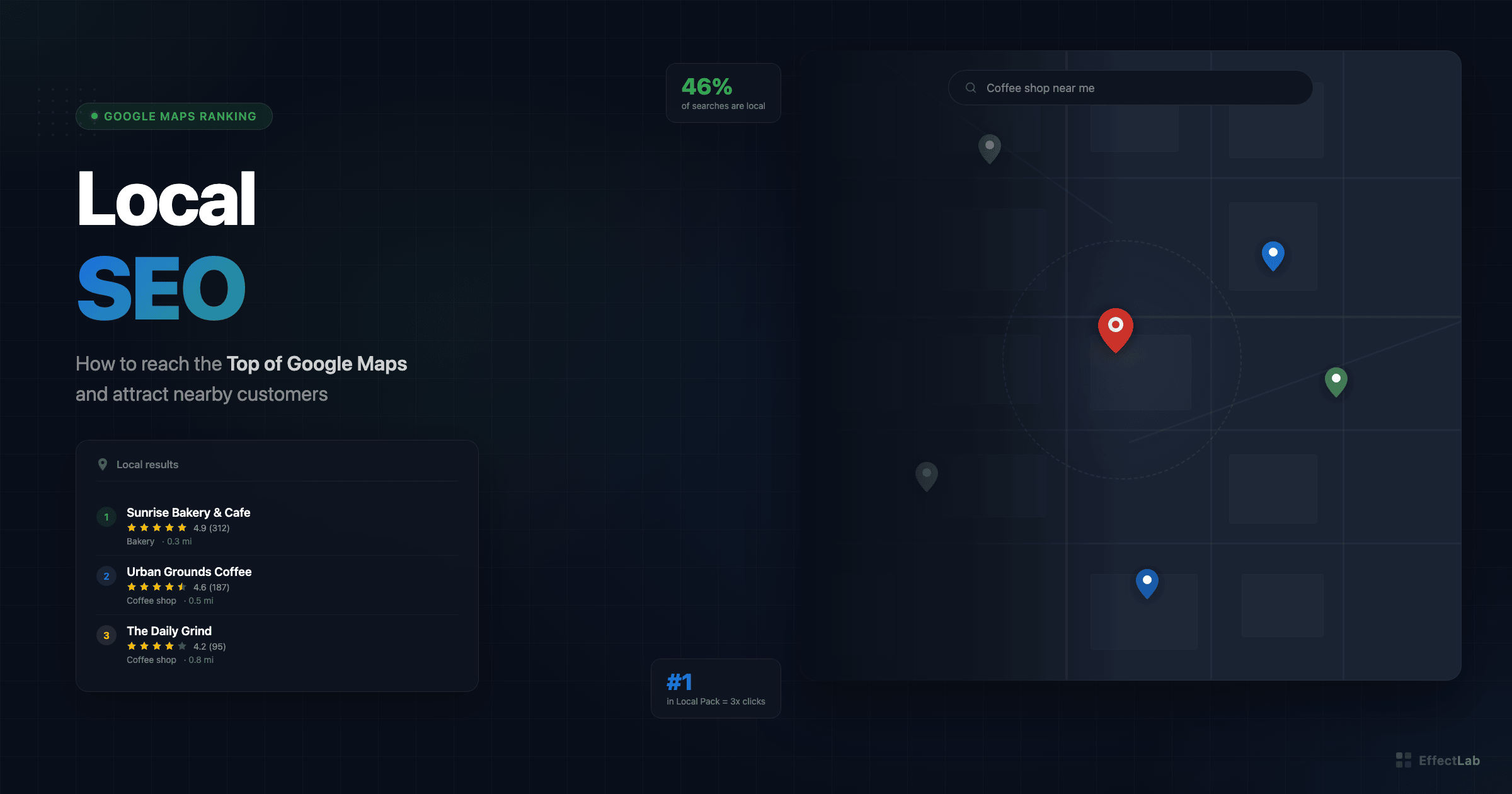
46% of all Google searches have local intent. “Near me” queries have grown over 500% in recent years, and the Google Local Pack — those three business listings that appear at the top of search results with a map — captures 42% of all clicks on local queries. If your business relies on local customers, Google Maps is your most important marketing channel.
Yet most small businesses haven’t even claimed their Google Business Profile, let alone optimized it. They’re invisible to the customers who are actively searching for their services right now, ready to call or visit.
This guide walks you through every step of local SEO — from setting up and optimizing your Google Business Profile to building local citations, earning reviews, and tracking your rankings in the Local Pack. Whether you run a single-location shop or a multi-branch business, you’ll find actionable strategies to start climbing Google Maps results today.
What Is Local SEO and Why It Matters
Local SEO is the practice of optimizing your online presence to attract customers from geographically relevant searches. When someone types “best coffee shop near me” or “plumber in Kyiv,” Google uses a different algorithm than for regular searches — one that heavily weighs proximity, relevance, and prominence.
The most visible result of local SEO is the Google Local Pack (also called the “3-pack”) — the map-based listing that appears at the top of search results for local queries. This prime real estate shows three businesses with their ratings, hours, address, and a direct link to get directions or call. Studies show the Local Pack receives 42% of all clicks in local search results, making it far more valuable than the organic listings below.
Unlike traditional SEO, where you compete nationally or globally, local SEO narrows the battlefield to your geographic area. Three factors determine your local ranking:
- Proximity — how close your business is to the searcher
- Relevance — how well your profile matches the search query
- Prominence — how well-known and trusted your business is online (reviews, citations, backlinks)
Local SEO is critical for restaurants, dental clinics, law firms, repair services, beauty salons, real estate agencies, retail stores — any business that serves customers in a specific area. Even service-area businesses without a physical storefront (like plumbers or cleaners) benefit enormously from local optimization. If you’re investing in website promotion but ignoring local SEO, you’re leaving money on the table.
Google Business Profile: The Foundation
Your Google Business Profile (GBP, formerly Google My Business) is the single most important factor in local SEO. It’s the source of information Google uses to display your business in Maps and the Local Pack. An incomplete or unoptimized profile is like having a storefront with the lights off — customers will walk right past.
Setting Up and Verifying Your Profile
If you haven’t already, go to business.google.com and either create a new profile or claim an existing one (Google sometimes auto-generates listings from public data). Verification options include postcard to your business address, phone call, email, or video verification — Google wants to confirm you’re a real business at a real location.
During setup, pay careful attention to these fields:
- Business name — use your real business name exactly as it appears on your signage and legal documents. Do NOT add keywords like “Best Pizza Restaurant in Kyiv” — this violates Google’s guidelines and can get your listing suspended.
- Primary category — this is the most important field. Choose the category that most precisely describes your core service. “Dentist” is better than “Medical Center” if you’re a dental practice.
- Secondary categories — add all relevant categories (up to 9 additional), but only ones that genuinely apply.
- Address — exact, consistent with your website and all other listings.
- Phone number — use a local number, not a toll-free one (local numbers signal geographic relevance).
- Business hours — keep them accurate. Update for holidays. Incorrect hours = frustrated customers = negative reviews.
- Business description — you get 750 characters. Make every word count (more on this below).
- Attributes — fill out every relevant attribute (wheelchair accessible, free Wi-Fi, outdoor seating, etc.). These help Google match you with specific queries.
Optimizing Your Business Description
Your 750-character description is your elevator pitch to both Google and potential customers. Here’s how to write an effective one:
- Lead with your core value proposition — what you do and who you serve.
- Include your primary keywords naturally (“family dentistry in downtown Kyiv” not “best cheap dentist Kyiv dental services”).
- Mention your unique differentiators — years of experience, specializations, awards.
- Don’t spam keywords. Google penalizes keyword-stuffed descriptions and users ignore them.
- Include a call to action at the end (“Call us today for a free consultation”).
Think of it as writing good landing page copy — clear, benefit-focused, and action-oriented, just in a much shorter format.
Photos and Visual Content
Google’s own data shows that businesses with photos receive 42% more requests for driving directions and 35% more clicks to their websites. Photos aren’t optional — they’re a ranking factor and a conversion factor.
At minimum, upload:
- Logo — clear, high-resolution, recognizable at small sizes
- Cover photo — your best image representing the business
- Interior photos (3-5) — show what customers will experience
- Exterior photos (2-3) — help people find your location
- Team photos (2-3) — put faces to the business, builds trust
- Product/service photos — what you actually deliver
Update photos monthly. Google favors profiles with fresh visual content, and new photos signal that your business is active and thriving.
Google Business Posts
GBP Posts are mini-updates that appear on your business profile. They come in three types: What’s New (general updates), Events (with dates and times), and Offers (promotions with optional coupon codes).
Post 1-2 times per week. Each post should include a photo, 150-300 words of text with relevant keywords, and a CTA button (Book, Call, Learn More, Order Online). Regular posts are an engagement signal — they tell Google your business is active. Note that “What’s New” and “Offer” posts expire after 7 days, so consistency matters.
The NAP Consistency Factor
NAP stands for Name, Address, Phone number — and it needs to be identical across every single place your business appears online. Your website, Google Business Profile, social media accounts, Yelp, Yellow Pages, industry directories — every listing must match exactly.
Even small variations confuse Google’s algorithms. “123 Main St.” vs “123 Main Street,” “+380” vs “0” in phone numbers, “LLC” included in one listing but not another — these inconsistencies erode Google’s confidence in your data and hurt your rankings.
Start by auditing your existing citations. Tools like Moz Local, BrightLocal, or Semrush Listing Management can scan directories and flag inconsistencies. Then systematically correct each one. Make sure your website’s contact page and footer show the exact same NAP as your GBP — this is one of those website mistakes that cost money if overlooked.
For structured data, implement LocalBusiness schema markup on your website with matching NAP details. This gives Google machine-readable confirmation of your business information.
Reviews: Your Most Powerful Ranking Signal
Reviews account for approximately 15-20% of local ranking factors according to multiple industry studies. But beyond rankings, reviews directly influence buying decisions — 93% of consumers say online reviews impact their purchase choices. A business with 50 five-star reviews will dramatically outperform a competitor with 5 reviews, even if the competitor’s website is technically superior.
How to Get More Reviews (Ethically)
The best time to ask for a review is right after a positive customer experience — when satisfaction is highest. Here are proven strategies:
- Create a short review URL — Google provides a direct link to your review form. Shorten it and make it easy to share.
- QR codes — print them on receipts, business cards, and table tents. Customers scan and review in under a minute.
- Email follow-up — send a thank-you email 24-48 hours after service with a polite review request and direct link.
- Train your team — front-line staff should know when and how to ask. A simple “We’d really appreciate a Google review if you have a minute” goes a long way.
- SMS requests — for service businesses, a text message with the review link after completing a job has high conversion rates.
Important: Never buy reviews or offer discounts/incentives in exchange for reviews. Google’s policies explicitly prohibit this, and they’re getting better at detecting fake reviews. Penalties include review removal, profile suspension, or worse. Build your review count the right way — by delivering excellent service and making it easy for happy customers to share their experience.
Responding to Reviews
Respond to every review — positive and negative — within 24-48 hours. For positive reviews, thank the customer specifically (mention what they praised). For negative reviews:
- Acknowledge the issue and apologize sincerely
- Don’t argue or get defensive publicly
- Offer to resolve the issue offline (“Please contact us at [phone/email] so we can make this right”)
- Show future customers that you take feedback seriously
Review responses are also an opportunity to naturally include keywords (“Thank you for choosing us for your kitchen renovation in Kyiv! We’re glad you’re happy with the result”). Just don’t overdo it — authenticity matters more than SEO here.
Local Keywords and On-Page SEO
Local keyword optimization follows a simple formula: [service/product] + [city/neighborhood]. “Web development Kyiv,” “стоматологія Львів,” “hair salon Odesa” — these geo-modified keywords tell Google exactly what you offer and where.
Here’s where to use local keywords on your website:
- Title tags — “[Service] in [City] | [Business Name]”
- H1 heading — include the primary local keyword
- Meta descriptions — mention your city/area for click-through appeal
- Content body — use local keywords naturally throughout your pages
- Image alt text — describe images with location context
- URL structure — /services/web-design-kyiv/ for location-specific pages
If you serve multiple neighborhoods or districts, create dedicated pages for each. A dental practice in Kyiv might have separate pages for “Dental Services in Podil,” “Dental Services in Pechersk,” etc. Each page should have unique content — not just the same text with the neighborhood name swapped out. Google penalizes thin, duplicate content. Building these pages well requires solid development fundamentals, whether you use a CMS or custom code.
Don’t forget schema markup. Implement LocalBusiness structured data with your business type, address, phone, opening hours (OpeningHoursSpecification), and geo coordinates. This helps Google understand your business data programmatically and can result in enhanced search result features.
Local Link Building
Backlinks remain important for local SEO, but the emphasis shifts to local relevance. A link from your city’s Chamber of Commerce or a local news website carries more weight for local rankings than a link from a random international blog.
Effective local link building strategies:
- Business directories — start with the big ones (Google, Bing Places, Apple Maps, Yelp), then add industry-specific directories relevant to your niche.
- Local media coverage — pitch stories to local newspapers, blogs, and online publications. A feature article about your business includes a natural backlink.
- Event sponsorship — sponsor local events, charity runs, or community initiatives. You’ll typically get listed on the event website with a link.
- Partnership pages — if you work with other local businesses, feature each other on your websites.
- Chamber of Commerce and business associations — membership often includes a directory listing with a backlink.
- Guest posts on local blogs — share expertise on local publications in exchange for a bio link.
Quality over quantity. One link from a respected local news outlet is worth more than 50 links from spammy directories. Focus on building genuine relationships with local organizations and creating content worth linking to.
Local SEO for Multi-Location Businesses
If your business operates from multiple locations, each one needs its own local SEO strategy:
- Separate GBP for each location — with unique phone numbers, addresses, and hours for each.
- Individual location pages on your website — structured as /locations/kyiv/, /locations/lviv/, etc. Each page needs unique content: local team introductions, location-specific services, directions, local reviews, and neighborhood-relevant information.
- Unique content for each page — copying the same page and swapping the city name is a recipe for a Google penalty. Write genuinely unique content for each location.
- Dedicated managers — assign someone to manage each location’s GBP (responding to reviews, posting updates, updating photos). Neglected profiles fall in rankings.
A well-executed multi-location strategy can dominate local search in every area you serve. We’ve seen this work effectively for businesses like Chudodievo eco-resort, which needed to attract visitors across multiple regions. The key is treating each location as its own micro-brand while maintaining overall brand consistency.
Tracking Local SEO Performance
You can’t improve what you don’t measure. Here are the key metrics and tools for tracking local SEO:
Google Business Profile Insights provides data on how customers find you — direct searches (they searched your business name) vs. discovery searches (they searched for a category or service). It also tracks customer actions: phone calls, direction requests, website clicks, and messaging.
Google Search Console shows which search queries bring traffic to your website, including local-intent queries. Monitor impressions and clicks for your target geo-modified keywords.
Local rank tracking tools like BrightLocal, Whitespark, or Local Falcon track your position in the Local Pack for specific keywords from specific locations. This is essential because local rankings vary dramatically based on the searcher’s physical location.
UTM parameters on your GBP website link let you track exactly how much traffic (and conversions) come from your Google Business Profile in Google Analytics. Use something like ?utm_source=google&utm_medium=organic&utm_campaign=gbp.
Track these metrics monthly and look for trends. If discovery searches are growing, your category optimization is working. If direction requests drop during certain hours, your business hours might be wrong. If phone calls spike after adding new photos, keep that photo strategy going. Combine this local tracking with broader paid search analytics for a complete picture of your local marketing performance.
How EffectLab Helps with Local SEO
At EffectLab, we build websites and digital experiences that are optimized for local search from day one. Our approach includes:
- Google Business Profile setup and optimization — from initial verification to ongoing management with regular posts and photo updates.
- Local-first website development — we build sites with proper schema markup, location pages, and NAP consistency baked into the structure. See how we approached this for WohnArt Studio, a furniture assembly service in Berlin.
- Review strategy implementation — we help set up review collection workflows with QR codes, email sequences, and team training.
- Citation management — auditing and correcting your business listings across directories to ensure NAP consistency.
- Local content strategy — creating location-specific pages and blog content that targets local search intent.
Local SEO works best when combined with other channels. Pairing it with optimized Google Ads lets you dominate both paid and organic local results. Adding a strong social media strategy builds the local brand awareness that feeds into prominence signals.
Want to know where your business stands in local search? Get a free local SEO audit — we’ll analyze your Google Business Profile, review your citations, and identify the biggest opportunities to improve your local visibility.
Conclusion
Local SEO is a marathon, not a sprint — but the rewards are substantial. Businesses that invest in optimizing their local presence consistently outperform competitors who rely on word-of-mouth alone. Here’s your action plan:
- Claim and fully optimize your Google Business Profile — this is free and the highest-impact step.
- Audit and fix NAP consistency across all your online listings.
- Build a review strategy — make it easy for happy customers to leave reviews and respond to every one.
- Optimize your website for local keywords and add LocalBusiness schema markup.
- Build local backlinks through directories, partnerships, and community involvement.
- Post regularly on your GBP and keep photos fresh.
- Track your results and adjust based on data.
First results typically appear within 3-6 months of consistent effort. Some improvements — like correcting NAP inconsistencies or adding photos — can show impact within weeks. The best time to start was yesterday. The second-best time is now.
Ready to put your business on the local map? Contact EffectLab for a free consultation, and let’s get your business into the top 3 of Google Maps.